01 / 06
Describe the prototype
Start with an idea, paste a URL, or attach a screenshot.
Loading...
Start with a prompt, screenshot, or URL. Get a working React interface, revision-specific evidence, and code you can hand off without guessing.
See Squid in action
Generate directly, react to the live result, refine it in chat, and keep every file when the direction is right.
Start with an idea, paste a URL, or attach a screenshot.
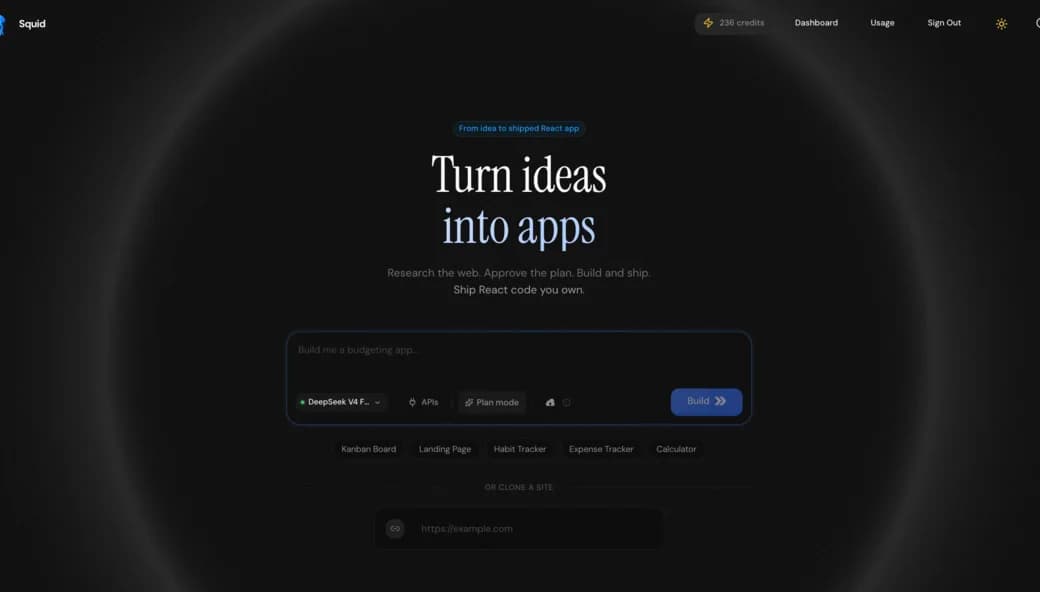
The best way to understand an idea is to use it — turn the prompt into a working prototype, then put it in front of people.
Keep the code, refine the interaction, and add a backend only after the prototype shows you what the real product needs.
Start with the interface and the core interaction. Refine the working prototype, verify it, then decide whether to share, export, or connect real services.
Create. Start with a prompt, screenshot, or URL and move directly into a working React prototype.
Refine. Shape the interface in conversation while Squid preserves the parts that already work.
Share or promote. Share the prototype, export every file, or connect real services when the idea is ready for more.
Code ownership
Inspect every file, share the result, export the React project, or connect real services later. The prototype stays useful whichever path you choose.
Squid Verified
Every check stays separate and revision-specific. Squid tells you what passed, what needs review, and what still requires production or real-user evidence.
Audit an existing app01 · Source
Check imports, protected paths, accessibility basics, and browser API safety without hiding the unresolved findings.
02 · Runtime
Record the viewport, interactive elements, overflow, unnamed controls, and runtime errors for one exact revision.
03 · Handoff
Package source, dependencies, setup notes, deployment starters, and a machine-readable evidence report.
04 · Passport
Give reviewers one revision-specific record instead of a vague production-ready claim.
Explore polished landing pages, dashboards, and product concepts. Every prototype is generated as real React code you can inspect, refine, share, and own.
Swipe to explore
Start with the core experience. Add the backend and external services later, after the prototype proves what the product needs.
Build your prototypePractical AI app builder guides
Learn how to choose a builder, translate visual references, review generated React, recover versions, and turn a promising prototype into a durable project.
Explore sites and tools built with Squid. Open a public workspace, remix the idea, or download the source and continue in your own stack.
Open the no-signup example workspaceSwipe to explore
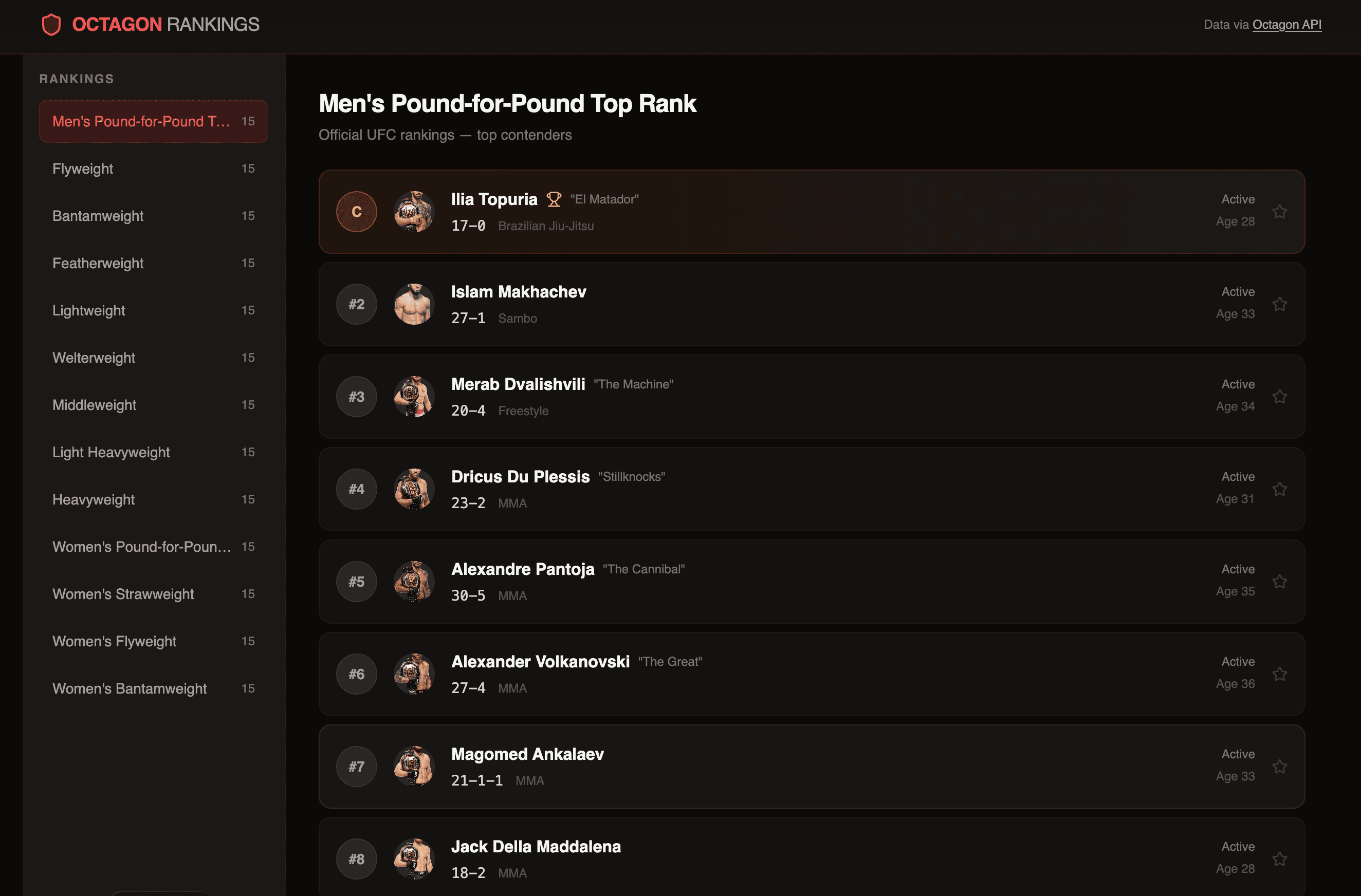
Sports data
A live UFC rankings explorer with division navigation, fighter cards, and detailed athlete profiles.
Shared by Drew Sepeczi

Design agency
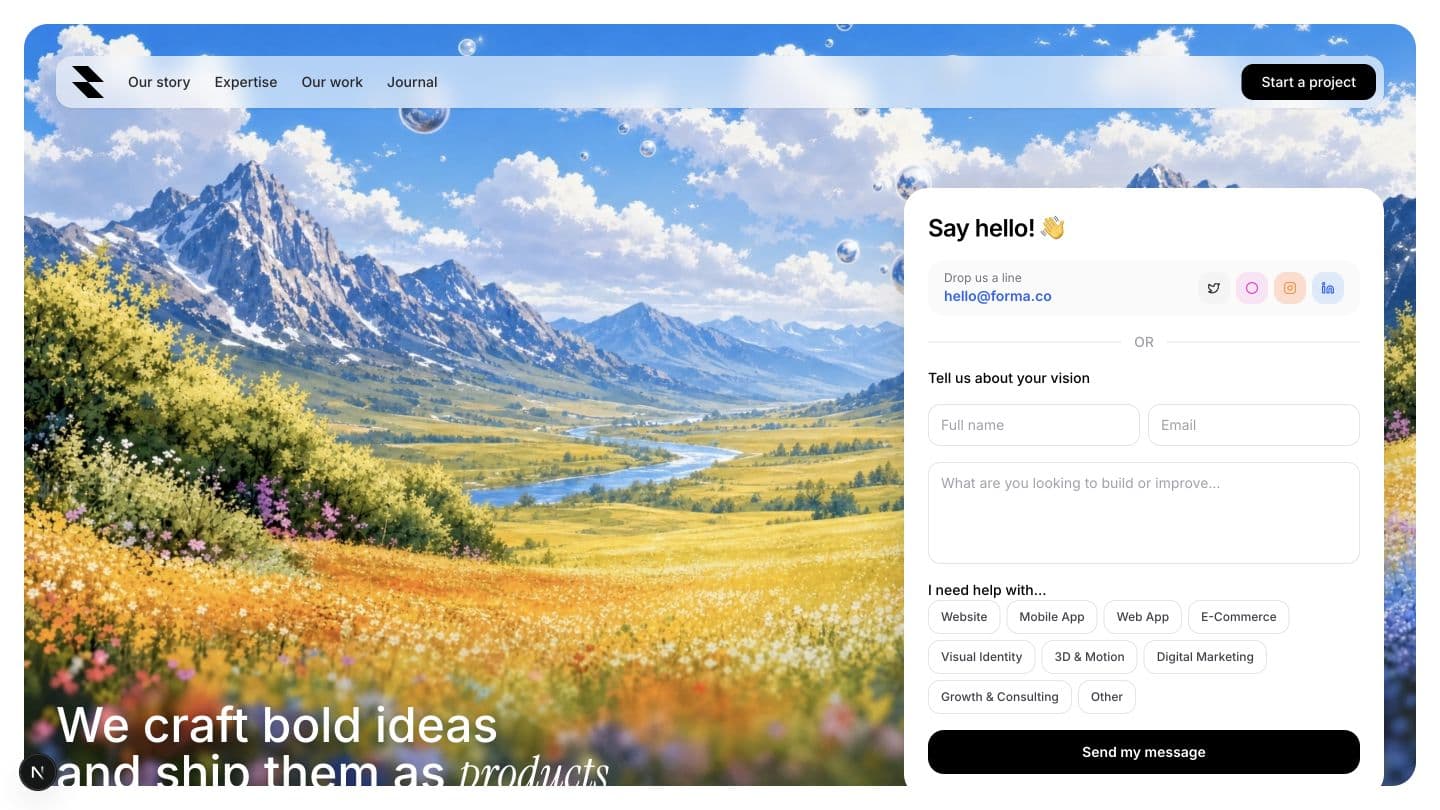
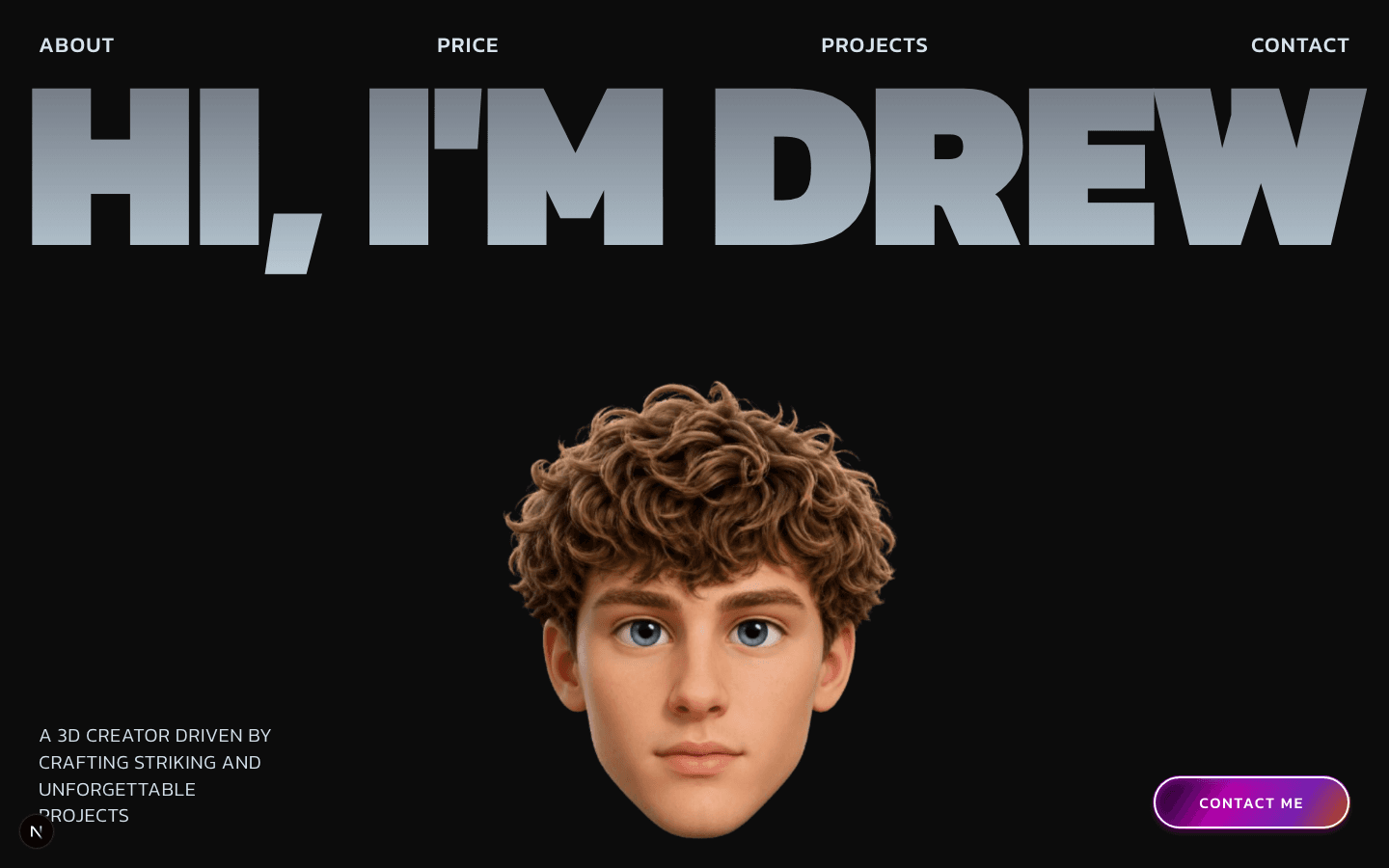
A cinematic agency landing page with a red editorial art direction and bold one-screen positioning.
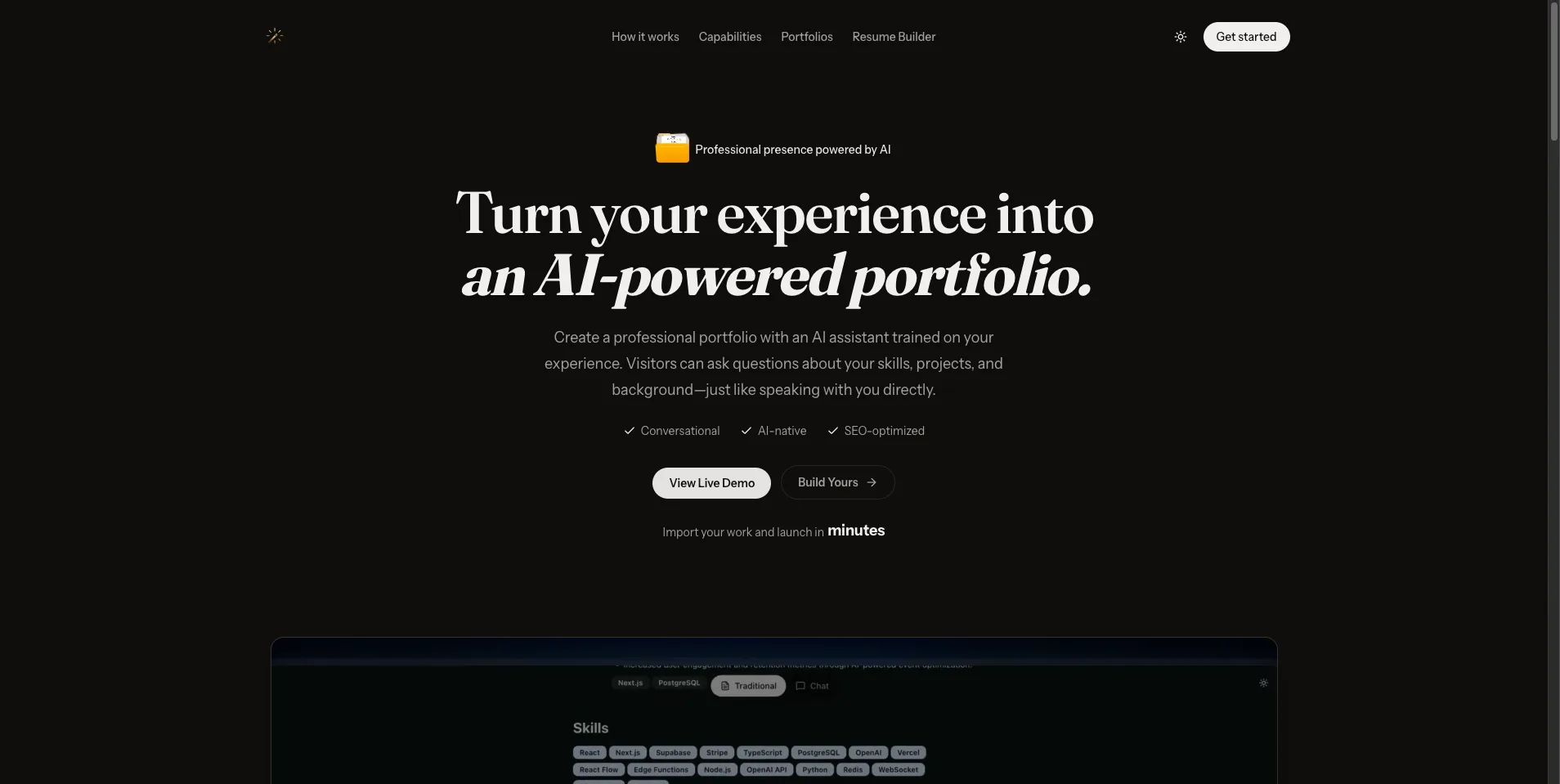
AI portfolio builder
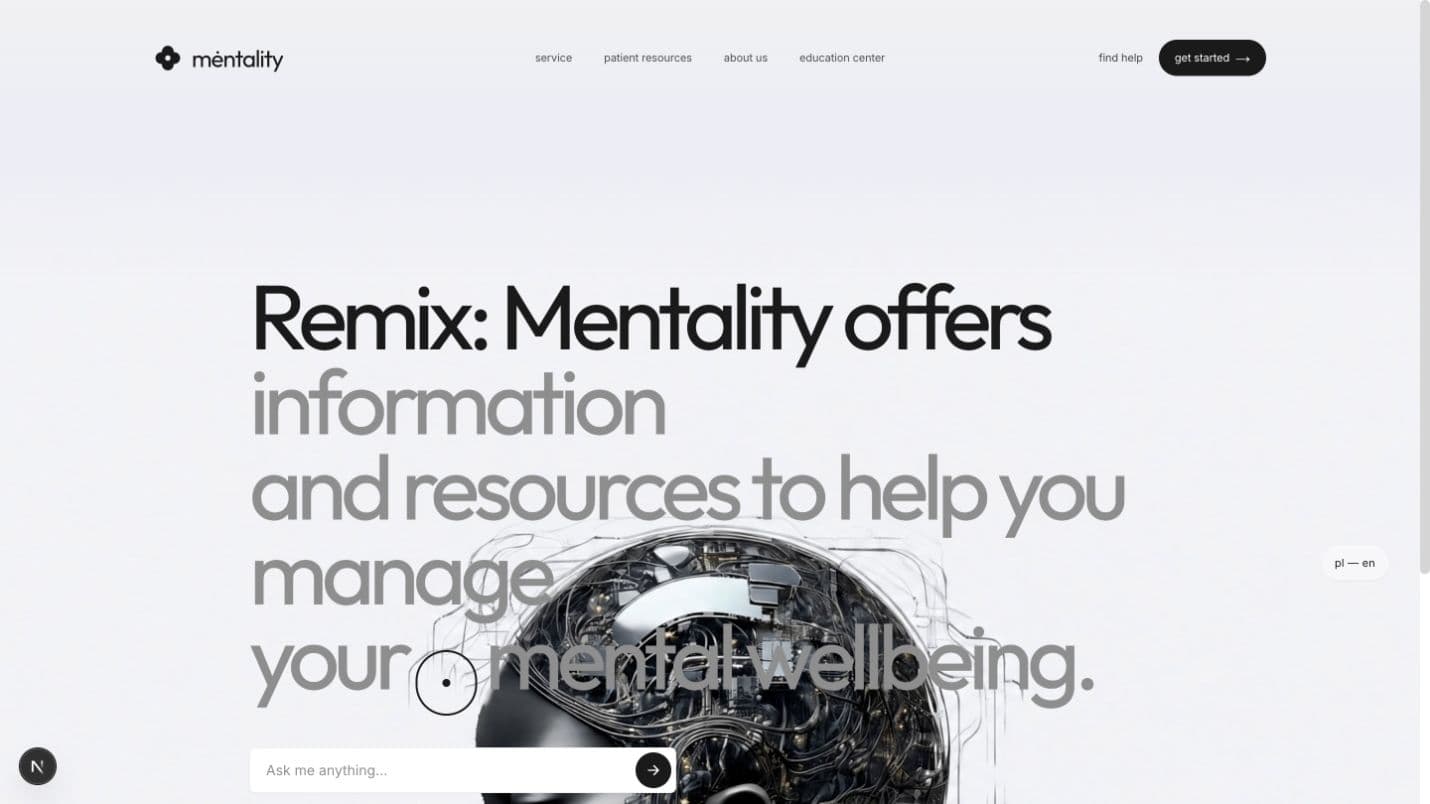
An AI-native professional identity site where portfolios answer questions in real time.
Event coordination
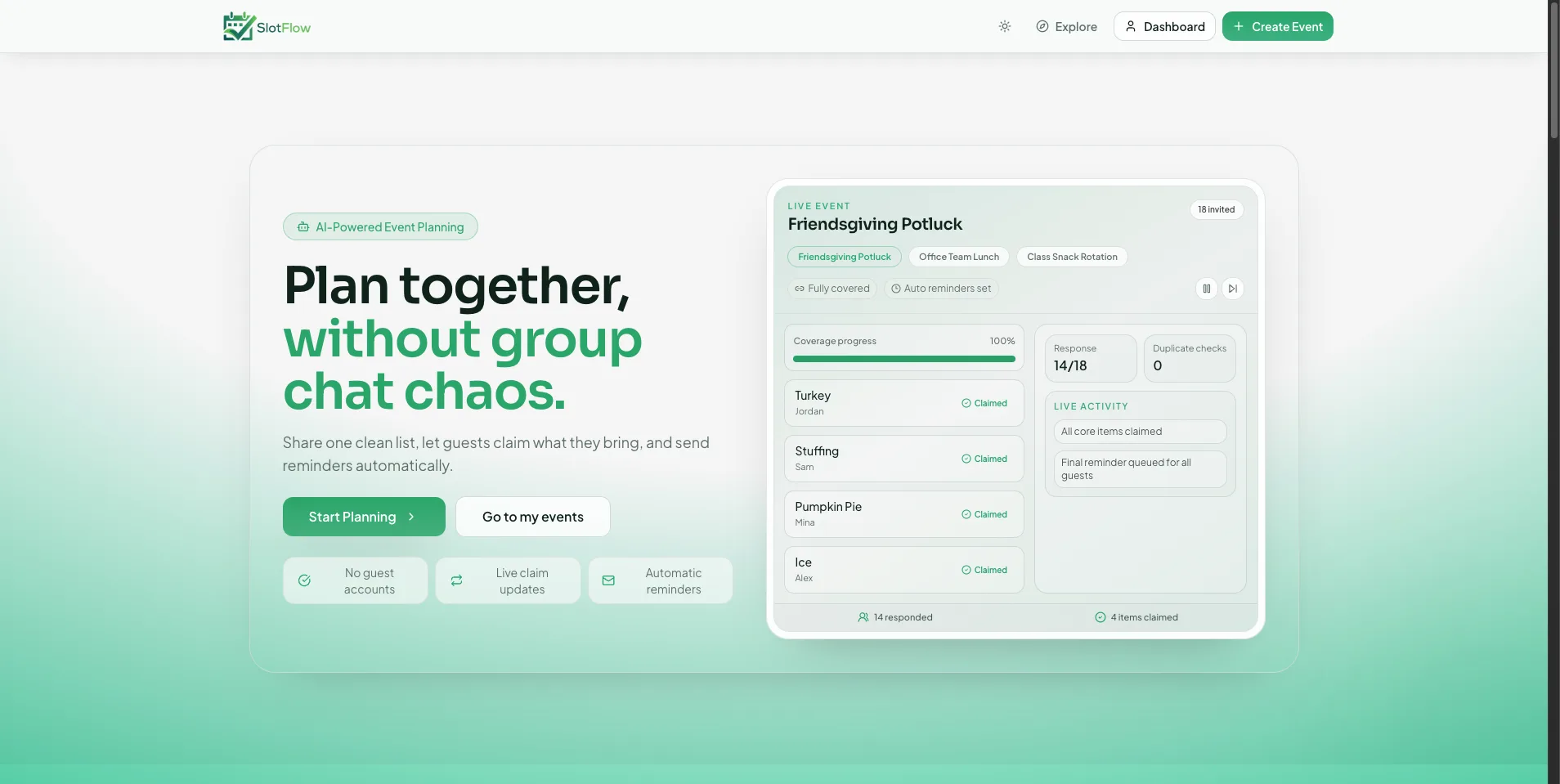
A scheduling surface for coordinating group availability without spreadsheet back-and-forth.
Design partner program
We are inviting a small group of designers, agency owners, product leads, and founders to build one real prototype directly with the Squid team.
This is a research partnership, not a promise of ongoing agency services. We select briefs where a prototype can create a useful decision quickly.
Direct generation, optional planning, iteration, verification, sharing, ownership, and the path to real services—without hidden steps.
No. Squid Agent is a separate brand and workflow. Squid Agent is optimized for exportable React applications with explicit checkpoints, usage visibility, and quality verification.
Squid Agent is a verified-prototype builder that turns prompts, screenshots, and website references into working React interfaces. Each revision can carry separate source, runtime, service, and export evidence so reviewers can see what passed and what still needs validation.
A Build Passport is a revision-specific evidence record. It reports source checks, preview runtime results, portable export verification, external-service readiness, and explicit limitations without collapsing those claims into one vague score.
Yes. The free source audit accepts a public GitHub repository or exported ZIP and checks project structure, reproducible build signals, environment documentation, recognized platform coupling, and obvious client-side credential assignments. It is a static inspection and does not claim to prove production behavior.
Squid Agent is built for founders, designers, builders, and product teams who want to test product ideas quickly without throwing away the generated React code.
Yes. Squid Agent can search the live web for current documentation, API references, package guidance, recommendations, and time-sensitive facts. You can see when research is happening and inspect the supporting sources instead of relying on hidden or stale model knowledge.
Plan mode is optional. Turn it on when the idea is still ambiguous and you want Squid to ask consequential questions before generating. Leave it off to move directly into a prototype.
Yes. Continue in chat to make source-aware changes, or select an element in the live preview and describe the exact edit. Squid Agent works from the current project files so a focused change does not have to replace the entire application.
Squid Agent checks files, imports, exports, dependencies, accessibility basics, API safety, and the running preview. It shows what passed, what still needs review, and what was not tested. Recoverable preview problems can be repaired automatically without charging for the repair run.
Yes. Code-bearing responses become visible checkpoints with summaries and exact diffs. Restore a complete version or recover selected files only, so you can undo one direction without overwriting unrelated work you want to keep.
Start with a prototype and connect services when the core experience is working. Public browser-safe APIs can work directly; databases, secrets, and privileged services stay behind an explicit setup boundary and are never presented as complete before they are connected.
Yes. Publish verified code to a GitHub repository, deploy a Vercel preview or production build, share and remix a public project, or download a verified project bundle with React source, configuration, setup instructions, and quality reports. Your code remains portable outside Squid Agent.
Squid Agent shows the model and expected credit range before generation, then records the actual charge after successful work is saved. Failed initial generations are not charged, preview repairs are free, and receipts make charges and refunds visible.
Yes. You can export a complete project bundle or continue in your own repository with the generated source, dependency list, deployment instructions, and quality context. The handoff is intentionally designed for local or external workflows.
Built with
modern technologies
Move from rough intent to a working React prototype without a backend setup detour. Select a stage to see how the prototype can grow without becoming throwaway work.
Use a prompt, screenshot, or URL. A clear direction is enough to start.