
AI client portal builder
Client portals need clear navigation, file boundaries, and predictable interaction flow before styling polish.
Proof-first funnel
Proof signals for higher-confidence decisions
Use these checkpoints before committing spend.
Before / After
Before/after workflow
Capture the goal, generate, review, iterate, and verify before export.
- Plan and cost expectations before build
- Review checkpoints before each restore
- Export only after the acceptance script passes
Restore + Export
Reversible edits and handoff
Keep checkpoints, require scoped rollbacks, and export with manifest, quality report, and deployment instructions.
- One restore creates one explicit new checkpoint
- Restore history stays visible for auditability
- Export includes manifest, report, and deployment files
Spend + Artifacts
Cost clarity and output traceability
Confirm expected credits before run, compare with actual usage, and review exported files before shipping.
- Expected usage shown before generation
- Actual usage and refunds after completion
- Post-build artifacts checked in a clean environment
The short answer
Generate the portal in layers and tie each release to checkpoints and export artifacts, so support, onboarding, and client review stay synchronized.
Start with role and access states
Define what logged-in clients can see and edit before visual generation begins.
Build tabs and status modules separately
Projects, invoices, files, messages, and settings should live in separate files to minimize collateral edits.
Protect critical interactions
Uploads, approvals, and status updates should include confirmations and error handling.
Use checkpointed exports
Tie each client-facing release to a checkpoint and manifest so support issues can be reproduced.
Plan moderation and redaction handling
Document what content is editable by clients and what is locked, then encode safe flows for uploaded and public-facing text.
Real generated example
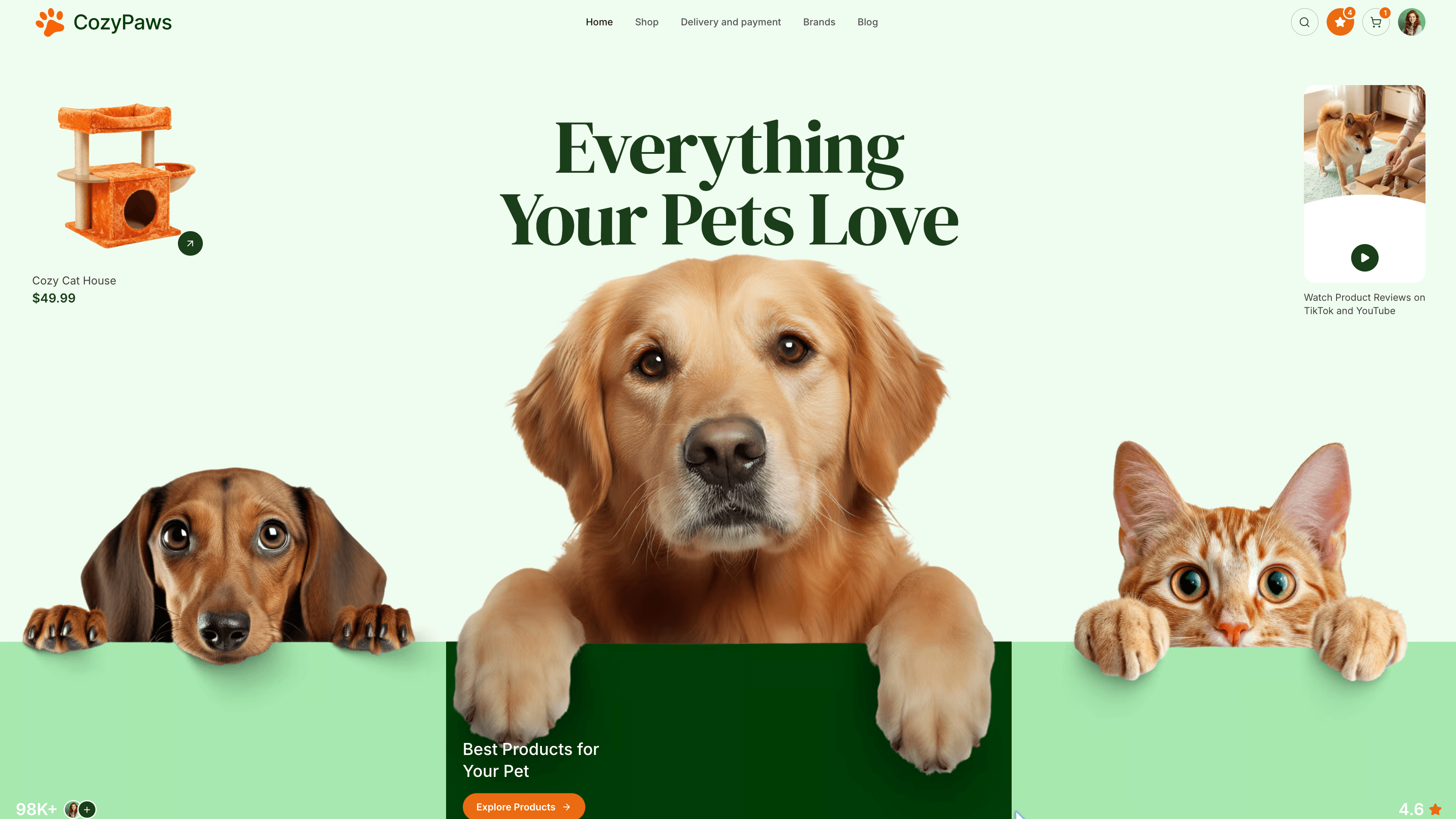
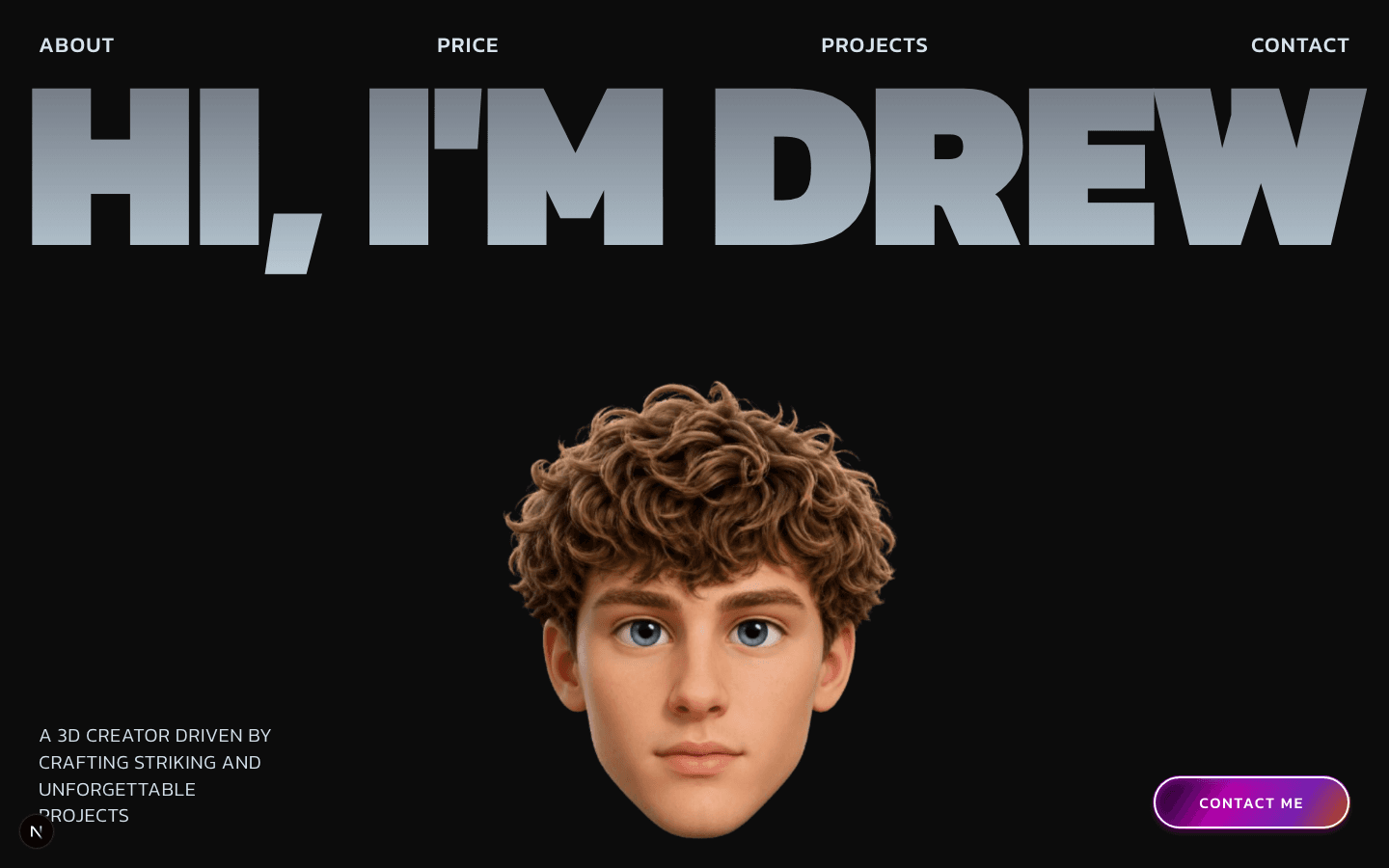
Real example: Client portal dashboard with account modules
Use this concrete example as a starting point, not a final template.
Prompt used
Generate a client portal app with overview cards, project progress tracker, invoice status list, message thread panel, and support ticket form. Include role-based access controls for client and admin views.
Generated file inventory
- •src/App.tsx
- •src/components/PortalLayout.tsx
- •src/components/ProjectStatusCard.tsx
- •src/components/InvoiceList.tsx
- •src/components/MessageThread.tsx
- •src/components/SecurityBanner.tsx
FAQ
Frequently asked questions
Direct answers to the questions buyers and builders ask before committing a project to an AI app builder.
Can AI generate a production-safe portal?
It can generate the interface quickly, but security boundaries should be validated in a real backend before release.
How to avoid accidental role leakage?
Keep role checks in explicit component props and state paths with clear fallback behavior.
What is minimum verification for this use case?
Navigation isolation, upload state, error handling, and clean local build with manifest evidence.
Can portals be updated safely after handoff?
Yes with checkpointed architecture and scoped modules for small edits.
Keep researching
Related guides and comparisons
Build an app you can inspect, restore, and keep.
Define your acceptance criteria, confirm expected credits, lock the first checkpoint, and run through the checklist before you export.