
AI portfolio builder
Portfolio sites need consistent narrative and layout rhythm more than heavy logic. Use AI to generate structure with clear sections and export discipline.
Proof-first funnel
Proof signals for higher-confidence decisions
Use these checkpoints before committing spend.
Before / After
Before/after workflow
Capture the goal, generate, review, iterate, and verify before export.
- Plan and cost expectations before build
- Review checkpoints before each restore
- Export only after the acceptance script passes
Restore + Export
Reversible edits and handoff
Keep checkpoints, require scoped rollbacks, and export with manifest, quality report, and deployment instructions.
- One restore creates one explicit new checkpoint
- Restore history stays visible for auditability
- Export includes manifest, report, and deployment files
Spend + Artifacts
Cost clarity and output traceability
Confirm expected credits before run, compare with actual usage, and review exported files before shipping.
- Expected usage shown before generation
- Actual usage and refunds after completion
- Post-build artifacts checked in a clean environment
The short answer
Create a branded React portfolio in explicit sections and verify responsiveness across key viewports so hiring, partners, and clients can review confidently.
Define narrative sections before generation
Specify hero, about, work, capabilities, featured projects, and contact CTA as fixed sections.
Generate section components separately
Use separate files for each section so project updates do not rewrite the whole portfolio.
Optimize responsive media handling
Image sizes, aspect ratios, and gallery behavior should be explicitly handled by viewport.
Export with clean metadata
Include project structure, dependency file, and deployment notes for handoff.
Create reusable content model
Keep portfolio items and achievements as data, not duplicated copy, so updates can be rolled out consistently across screens.
Real generated example
Real example: Personal portfolio with project showcase
Use this concrete example as a starting point, not a final template.
Prompt used
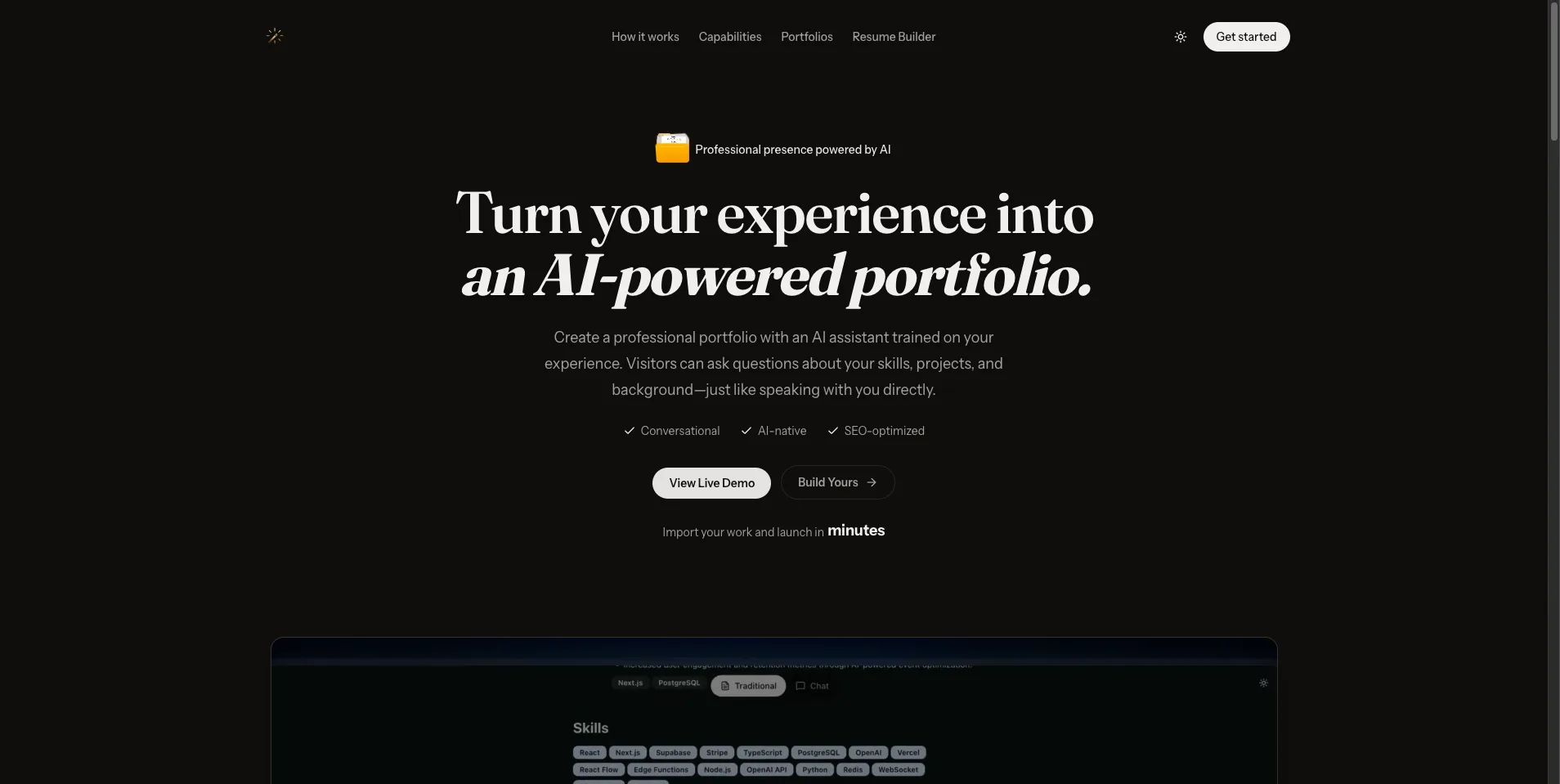
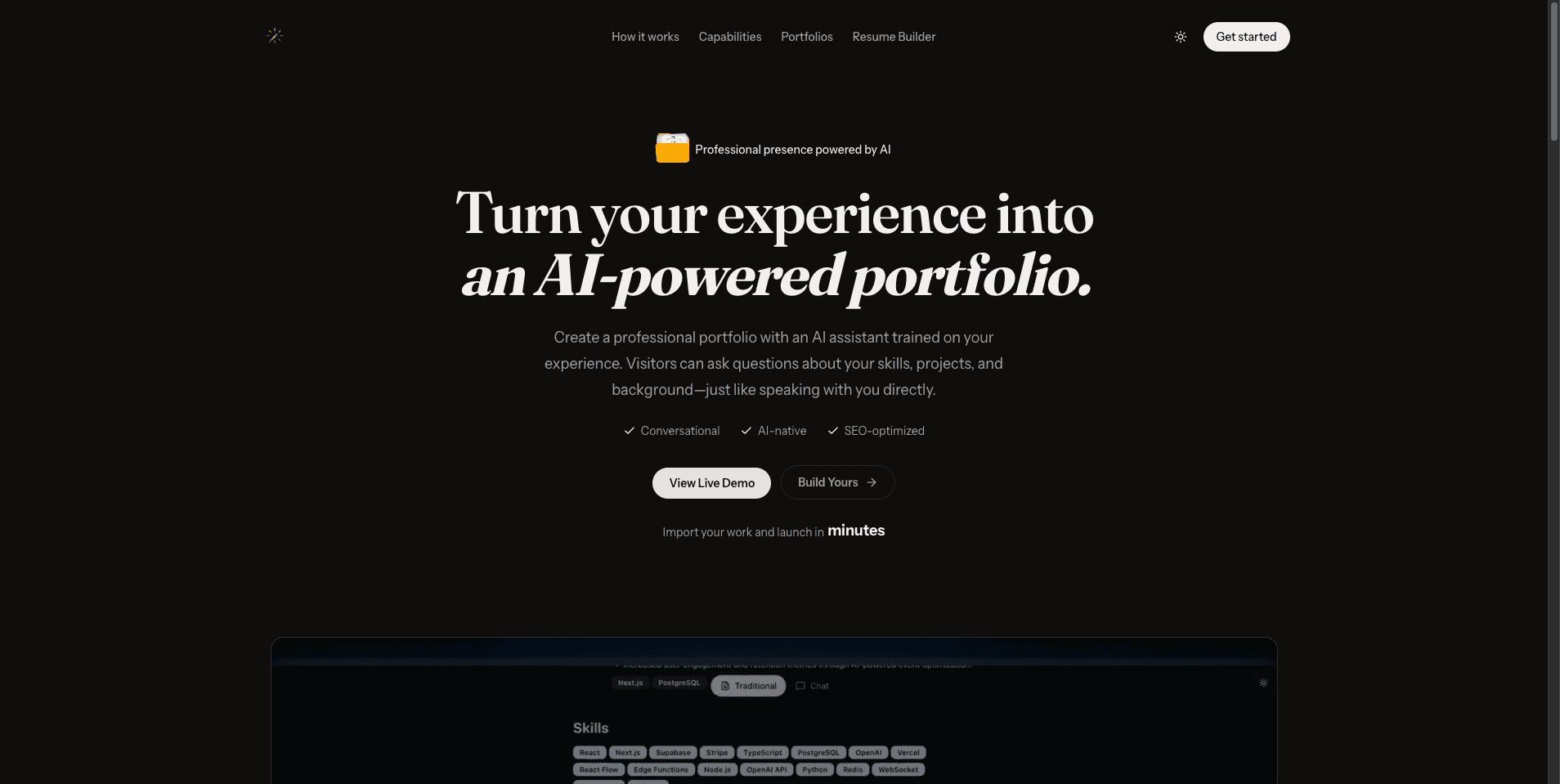
Generate a portfolio site with hero intro, about section, featured projects grid, skill badges, resume modal, and contact form. Keep all modules reusable and responsive.
Generated file inventory
- •src/App.tsx
- •src/components/Hero.tsx
- •src/components/About.tsx
- •src/components/ProjectGrid.tsx
- •src/components/SkillsStrip.tsx
- •src/components/ContactForm.tsx
FAQ
Frequently asked questions
Direct answers to the questions buyers and builders ask before committing a project to an AI app builder.
Should I ask for a complete portfolio in one prompt?
Start with section scaffolding first, then add interaction polish in follow-up prompts to reduce rewrite risk.
How do I keep project content editable?
Keep data arrays in a separate file and avoid hardcoded text in multiple components.
Can this be deployed as-is?
Yes, after local build checks and accessibility review of contact and navigation surfaces.
What indicates a production-ready portfolio build?
Clean install, responsive checks, no broken links, and export documentation.
Keep researching
Related guides and comparisons
Build an app you can inspect, restore, and keep.
Define your acceptance criteria, confirm expected credits, lock the first checkpoint, and run through the checklist before you export.